Google Tag Manager can deploy a server-side container straight to Google Cloud Run. So why use Connectify instead of Google’s own infrastructure?
Because deploying a server is the easy part. Keeping it reliable, up to date and affordable on live traffic is the actual work. Connectify takes that work off your hands, and you keep working in Google Tag Manager exactly as you do now.
Why teams choose Connectify
- No cloud project to run. Scaling, redundancy and server updates are all handled for you.
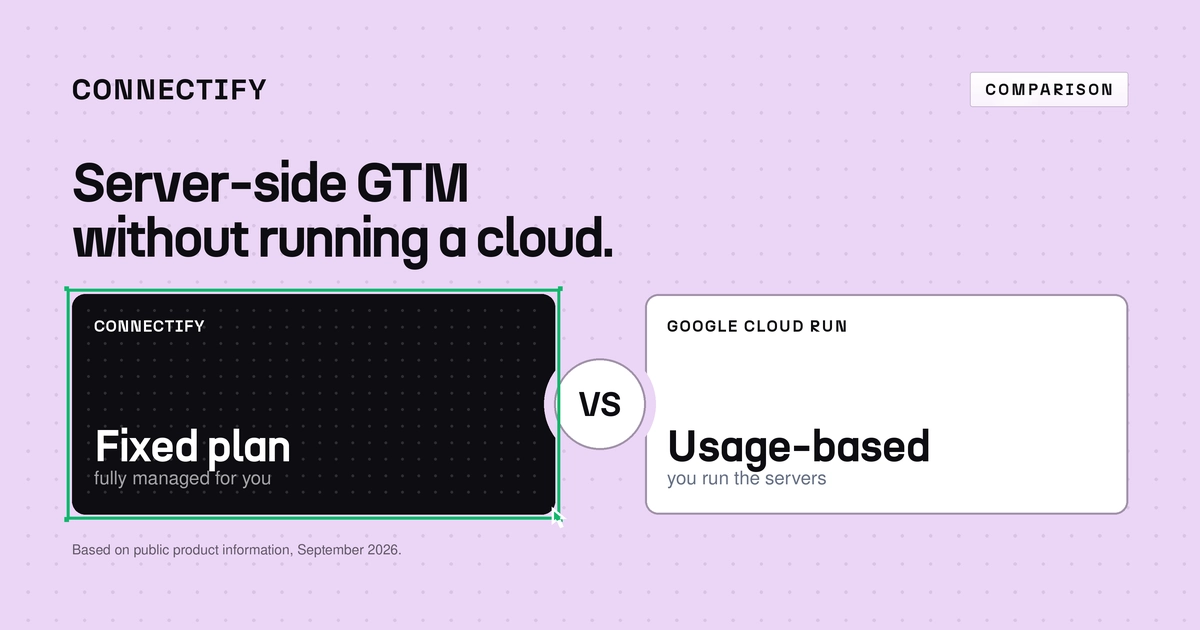
- A fixed monthly price. No usage-based cloud bill to estimate, and a production setup that starts well below Google’s own estimate of around $90 a month.
- European, with support in Dutch and English. EU hosting as standard, and live chat that helps with the hosting layer too.
Connectify vs Google Cloud at a glance
| Connectify | Google Cloud Runself-hosted | |
|---|---|---|
| Runs your GTM server container | Yes | Yes |
| Your own first-party subdomain | Part of onboarding | You configure it |
| Production capacity and redundancy | Handled for you | You configure it (Google recommends at least 2 instances) |
| Tagging server updates | Handled for you | You deploy them |
| Pricing | Fixed monthly plan | Usage-based: compute, network, logging |
| Script protection against ad blockers | Built in | Build or source it yourself |
| GTM template library and data flow view | Yes | Not offered |
| Support for the hosting layer | Live chat in Dutch and English | Google Cloud support plans |
| EU hosting | Standard | If you choose an EU region |
Getting started is easy. Running it in production is the work.
Google Tag Manager can create a Google Cloud project and deploy a server container to Cloud Run in a few clicks.
Running it reliably on live traffic is another matter. In its Cloud Run setup guide, Google recommends at least two instances to reduce the risk of data loss if a server goes down. You also choose the region, minimum and maximum instances, billing, logging and, where needed, a load balancer. And you keep the tagging server up to date yourself.
With Connectify, you connect your GTM server container and carry on in Google Tag Manager. The environment behind it is managed for you.
What does Google Cloud actually cost?
Cloud Run doesn’t come as a fixed subscription. You pay for allocated resources, compute time, network traffic and logging.
Google’s own guide puts each server at around $45 a month. With the recommended minimum of two instances, a production setup starts at around $90 a month, before network traffic and logging. And that’s before you count the hours spent managing it.
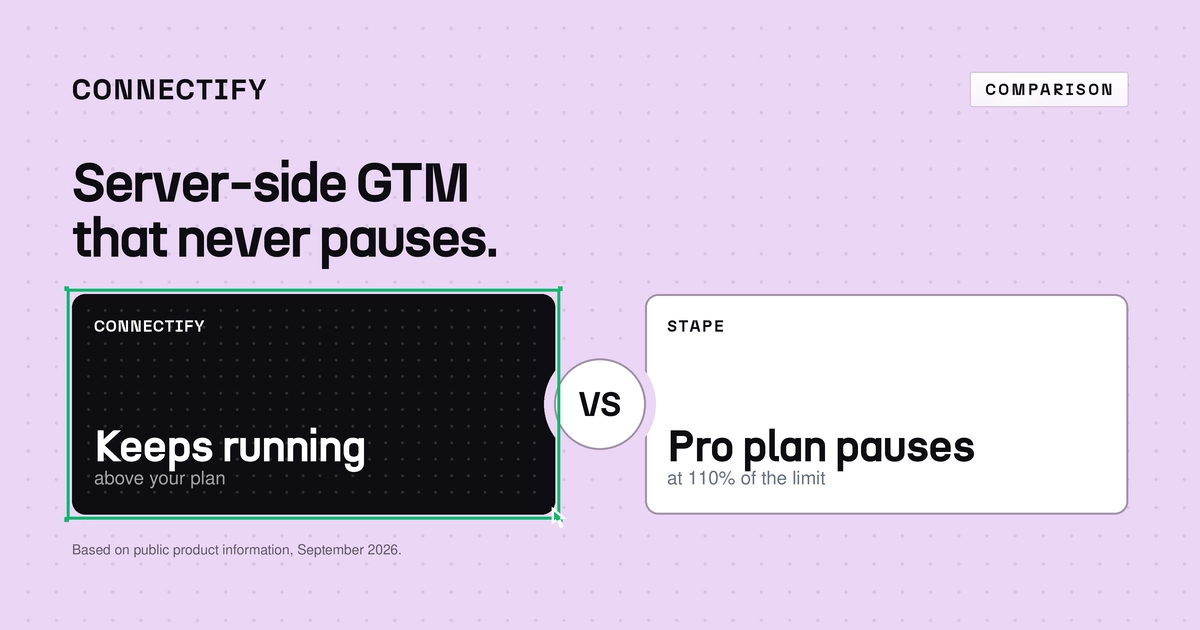
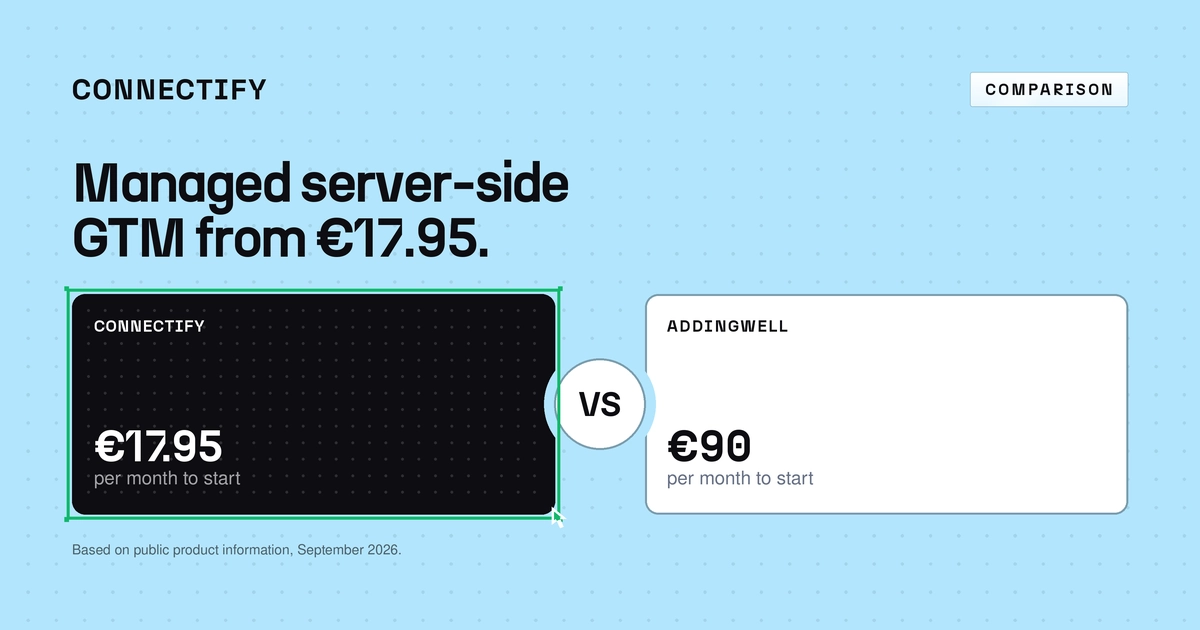
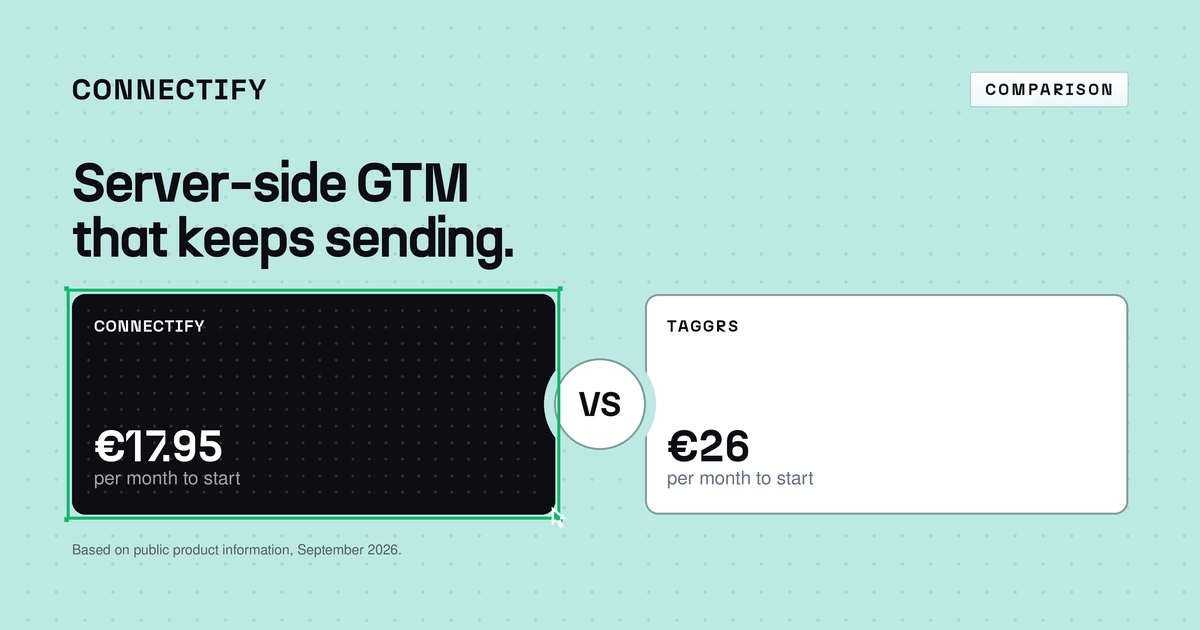
Connectify packages everything into a fixed plan: Starter €17.95 a month for 500,000 requests, Plus €54.95 for 2.5 million and Pro €119.95 for 10 million. Your container keeps running above your plan, with extra requests billed per 10,000.
Updates handled, every time
Google regularly releases new versions of the server-side tagging image, with security fixes and new features. Google recommends updating at least for every major version.
When you self-host, rolling those out is your job. With Connectify, it’s ours. You manage the tracking, and we manage the environment it runs on.
More than hosting
Connectify includes tools that a bare Cloud Run deployment doesn’t:
- Script Anonymizer, which makes GTM and Google Analytics scripts much harder for ad blockers to recognise.
- A GTM template library to get your tags live quickly.
- A real-time data flow view, so you see that your data arrives.
- Your own tracking subdomain as a standard part of onboarding, as Google itself recommends.
For agencies: one hosting layer instead of one per client
For an agency, self-hosting means repeating the infrastructure for every client: a Cloud project, billing, capacity choices, monitoring and updates.
With Connectify, the hosting layer is the same everywhere. Each website gets its own plan, so costs per client are clear and easy to pass on, and the agency can spend its time on the tracking itself. Connectify also has a partner programme with migration help and priority support. View the partner programme →
When should you host on Google Cloud yourself?
When owning the infrastructure is a requirement in itself. For example, if your organisation already runs a mature Google Cloud environment with dedicated cloud engineers, has specific networking or IAM requirements, or needs a custom multi-region architecture.
Frequently asked questions
Does Connectify work with Google Tag Manager? Yes. You keep using your own GTM web and server containers. Connectify hosts the server container.
Can I move from a self-hosted Cloud Run setup to Connectify? Yes. Your server container configuration lives in GTM. You connect it to Connectify and point your tracking subdomain to Connectify.
Isn’t Google Cloud free? A single server with low traffic can stay within Google Cloud’s free tier. For live traffic, Google recommends at least two instances, at around $45 each per month.
Google Cloud gives you the building blocks. Connectify gives you server-side GTM that simply runs.